Request a demo ↗

THE SCIENCE BEHIND THE EXAMINATION

Follow the evidence.
Understand the analysis.

From a signature on a page to the timing between video frames. Explore what the platform examines, how it processes the material and what each output reveals.

SEVEN PATHWAYS / ONE CONNECTED PROCESS
01Source material
02Features & signals
03Comparison & measurement
04Connected outputs

SELECT A CATEGORY. FOLLOW THE DETAIL.

Evidence, step by step.

Choose an evidence type, then move through the four stages. The example stays beside the explanation.

EVIDENCE / EXPLAINEDGuided demonstration
SPECIMEN AGREEMENT DEMO / 01

Authorisation record

Fictional document for a guided workflow.

Signature
Fictional signature on a sample agreement
Candidate region
SOURCE PAGE 01 → LINKED SPECIMEN
Page context retained 01 → specimen A

Detection & extraction / IN PRACTICE

From a page to a specimen.

A signature on an agreement

01 / Prepare the page

Keep the source page and its position in the document. Supported page rendering can produce a 600 dpi export; the original capture determines the detail available.

RECORDSource page · rendering context
Explore detection & extraction
QUESTIONED / A KNOWN / B
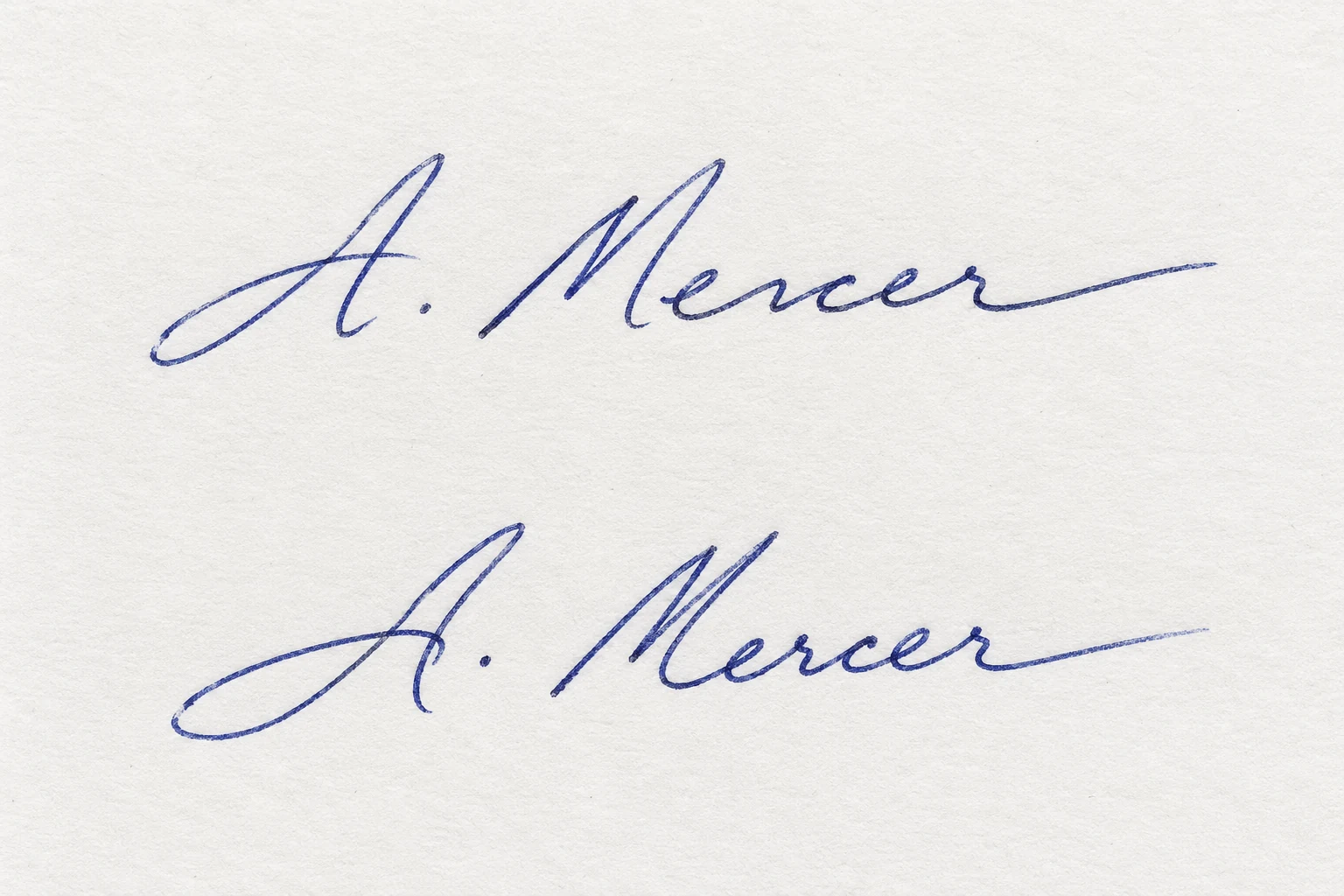
Two fictional handwritten signatures shown together for comparison
ContourConnectionsSlantStroke width

Signatures / IN PRACTICE

See the shape. Compare the detail.

A questioned signature and known references

01 / Prepare the references

Separate questioned material from independently sourced known signatures. Retain natural variation across the reference set.

RECORDQuestioned specimen · known references
Explore signatures
WRITING SPECIMEN FEATURE VIEW
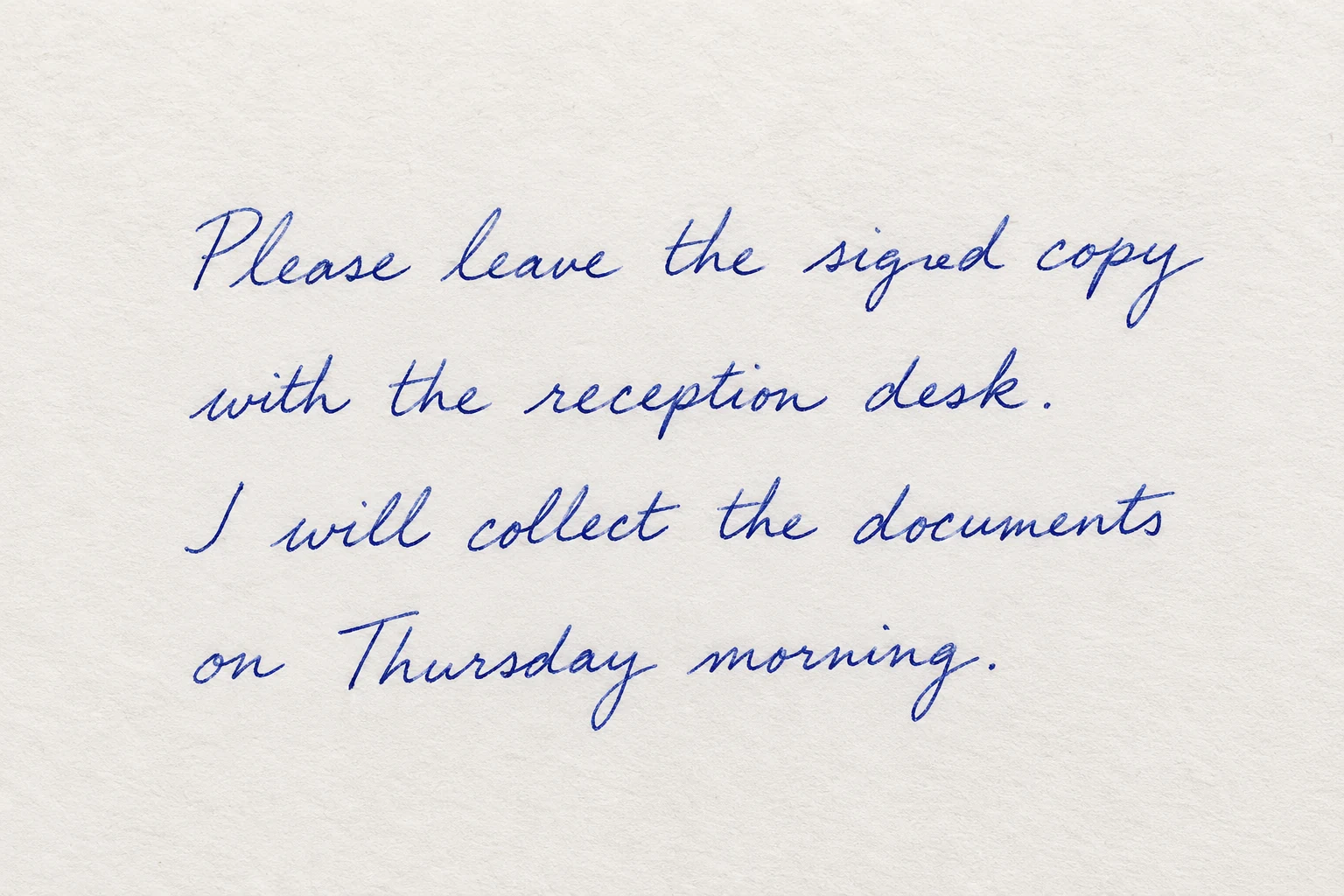
Fictional handwritten note used to illustrate feature inspection
Baseline · spacing · stroke detail
Writing structureGeometryLocal detail

Handwriting / IN PRACTICE

Measure the writing. Explore the relationship.

A questioned note and known writing

01 / Prepare writing samples

Use legible writing and appropriate references. A candidate-writer search needs samples from the supplied candidate writers.

RECORDQuestioned writing · reference material
Explore handwriting
DOCUMENT RECORD EXAMPLE

Examine the source.

A
PAGE 01 / CAPTURE CONTEXT
EXAMPLE FIELDS
File format
PDF
Creation record
Embedded field
Software record
Embedded field
Page source
Linked specimen

Metadata is one part of the record.

Documents / IN PRACTICE

Read the file. Reveal the captured signal.

A document with a disputed history

01 / Choose the right capture

A native file supports embedded-record checks. Indentation enhancement needs raking-light photographs; watermark enhancement needs transmitted light.

RECORDNative file · specialist photograph
Explore documents
CONTROLLED DUPLICATION REGION VIEW
Region ARepeated source cropRegion B

Images / IN PRACTICE

Find the relationship between regions.

A suspected duplicated object

01 / Define the question

Choose a source image and the question to test: duplication, compression history, camera characteristics, geometry or recorded provenance.

RECORDOriginal image · defined question
Explore images
LABORATORY TEST SIGNAL 6.0 SECONDS
Frequency map calculated from the six-second laboratory test audio
Waveform calculated from the same laboratory test audio

The charts are calculated from this test signal. It contains tones, not speech.

Audio / IN PRACTICE

Follow the sound through time.

A recording with a disputed transition

01 / Keep the recording context

Use the original audio or its extracted video track. Record the available format, streams and duration before selecting a workflow.

RECORDOriginal recording · file inventory
Explore audio
SAMPLE RECORDING FRAME + TIME

Select an anchor to inspect the same recording at that time.

Video / IN PRACTICE

Connect each frame to its time.

A recording with an interrupted sequence

01 / Read the recording

Inspect the container, stream properties and frame timestamps. Distinguish encoded records from observations made on decoded images.

RECORDContainer · streams · frame record
Explore video

Demonstration material · annotations explain the workflow; no case result is calculated.

WHAT COMES OUT OF AN EXAMINATION

A result with a clear meaning.

The question determines the output. Keep its source, reference material and processing context together.

01

Comparison evidence

Visual relationships, feature distances and supported calibrated likelihood ratios describe different aspects of a comparison.

02

Located observations

Regions, extracted specimens, sampled frames and recording transitions connect an observation to a place in the source.

03

Measured signals

Writing geometry, captured pressure, frame timing and supported physical measurements retain their input and scale context.

04

Documented copies

Clarified images, listening copies and viewing outputs preserve a separate relationship to the original material.

FOLLOW A REAL EXAMINATION QUESTION

One question. Connected tools.

A disputed agreement

Start with the complete document, then follow the specimen into its comparison.

  1. Locate the signature
  2. Extract a linked crop
  3. Compare known references
  4. Document the output
Explore this workflow ↗

An image with a repeated object

Examine the relevant region and the file history as separate sources of information.

  1. Inspect corresponding detail
  2. Locate repeated regions
  3. Review encoding context
  4. Prepare the annotated exhibit
Explore this workflow ↗

A recording with a disputed transition

Connect what is heard and seen with the available source and timing records.

  1. Read recording information
  2. Inspect sound or frame continuity
  3. Link timestamps and observations
  4. Prepare source-linked exhibits
Explore this workflow ↗

TECHNICAL CONTEXT

Explore the basis of an output.

Read about evaluative reporting, digital media examination and recorded provenance. These references explain concepts; implementation scope is described on the individual capability pages.

Evaluating the weight of findings Professional guidance · PDF ↗Digital audio enhancement Technical guidance ↗Digital forensic video analysis Technical guidance ↗Research & method coverage Platform evaluation context ↗

BRING YOUR EXAMINATION QUESTION

See the analysis in context.

Explore a demonstration around your evidence, reference material and reporting workflow.

Request a demonstration ↗